

Setting the Message of the Day (MOTD)
You can set your MOTD (the description message shown in the server list in your game client) directly in the AleForge panel.
- Go to the AleForge Panel
- Head to
Server Properties - Search for
MOTD
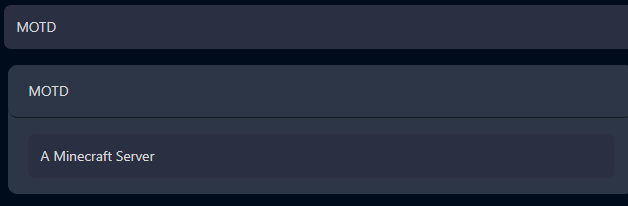
- Enter what you want the
MOTDto be.
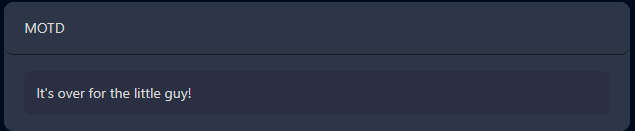
- Press
Saveat the top

- Restart your server
You can find a list of all the color codes you can use for the MOTD
here. Note that
ALL text after that color code will be in that color until you use another
color code or use the reset code\00A7rto stop the color.