

How do I change the Tick Rate in Mordhau?
If you increase the server tick rate, it will improve the flow of fights, which has a direct impact on the gameplay experience. For more information on Tick Rates, you can [check out this article](https://win.gg/news/heres-what- tick-rate-means-and-which-games-have-the-highest/).
Changing the Tick Rate
- Go to the AleForge Panel
- Open
File Manager - Navigate to and open
Mordhau/Saved/Config/LinuxServer/Engine.ini
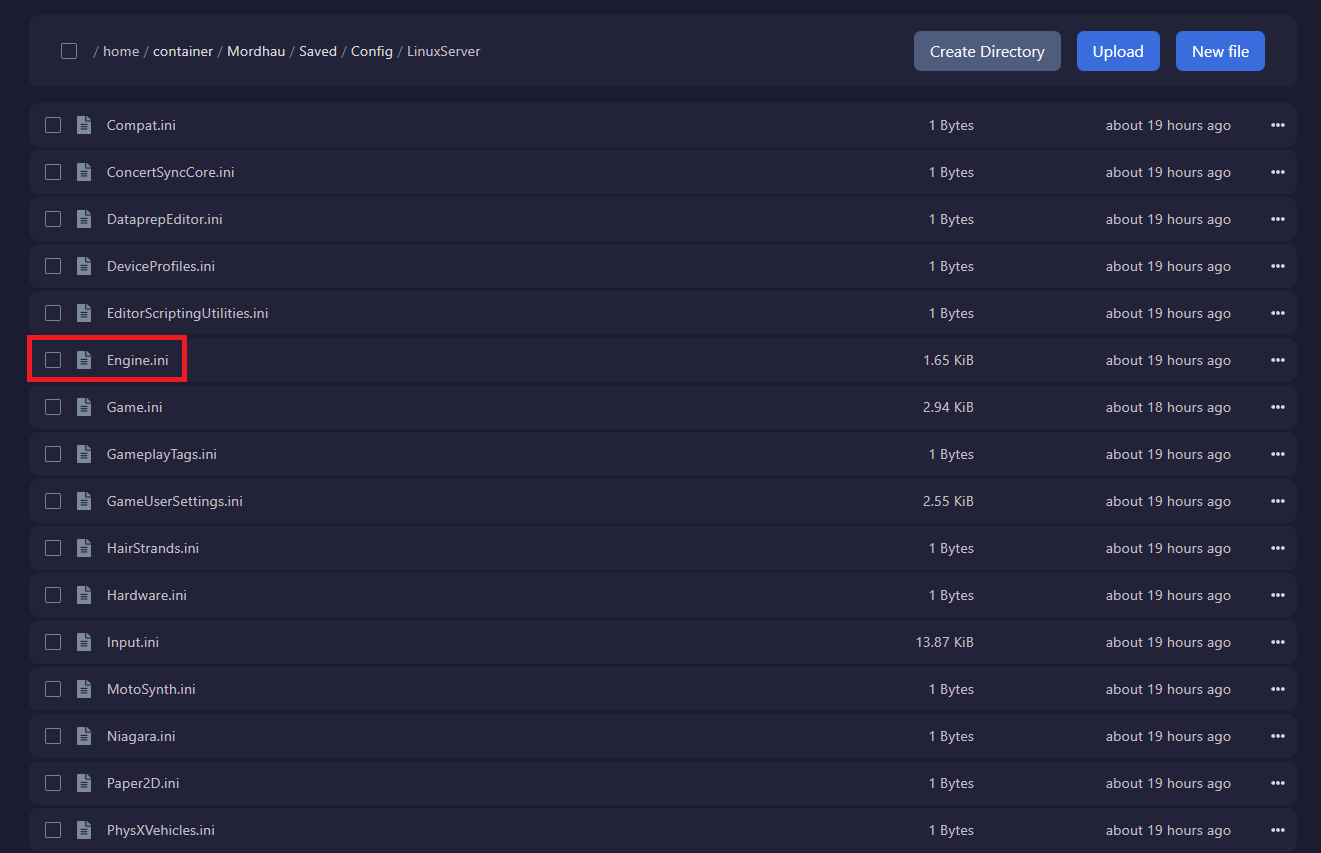
- Add the following to the bottom of the file replacing 120 with your desired tick rate. Usually, Values are 30, 60, or 120.
[/Script/OnlineSubsystemUtils.IpNetDriver]
NetServerMaxTickRate=120
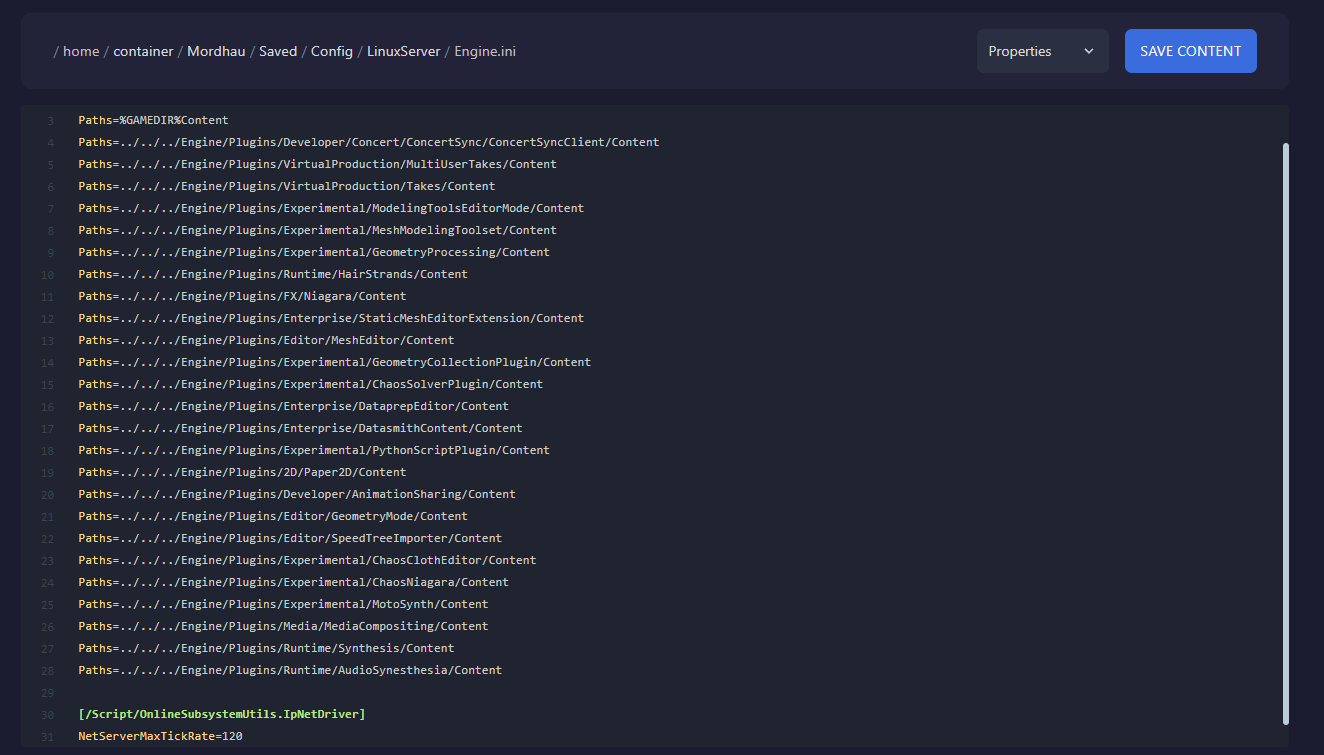
- Click
Save Content - Open the
Consoleand restart the server for the new tick rate to take effect.
Want to get your own Mordhau server? You can configure all settings, including tick rate if your order one with AleForge.