

How do I connect to my Icarus server?
Quick Links
- Using AleForge’s Blacksmith’s Portal
- Self-Hosting/Other Providers
Icarus requires that you connect with an IP address rather than a hostname. This guide will show you how to get the necessary information to connect to your server.
Connecting to your Server
Using Blacksmith’s Portal
- Open the Blacksmith’s Portal
- Go to
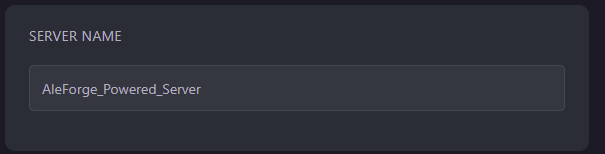
Startup - Take note of the
Server Namevariable, as this is what your server will appear in the Server Browser
- Open Icarus
- Select your Character and then click
Join
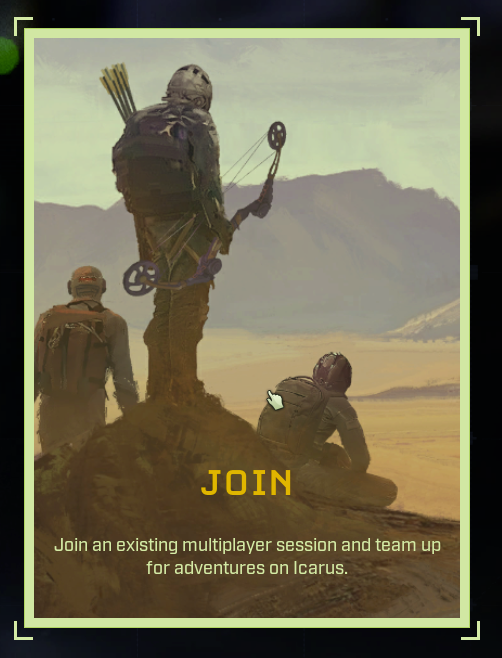
- Change the selection to
Dedicated Servers

- Search for the name of your server. It may take a moment for the server browser to find it.

- Double click on it to connect to your server
Direct Connection
Sometimes the Icarus server browser may go down, or you may simply not be able to find your server. If this happens, you can always directly connect to your server.
- Open the Blacksmith’s Portal
- Go to the Dashboard and take note of two things. The IP Address , and the numbers after the colon in the Hostname
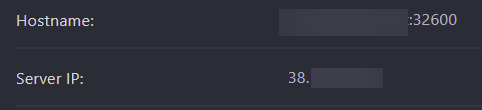
- We’ll need to combine these two to connect to our server. e.g.
38.123.456.32:32600 - Open Icarus
- Select your Character and then click
Join
- Change the selection to
Dedicated Servers
- Change your selection to
Direct Connect
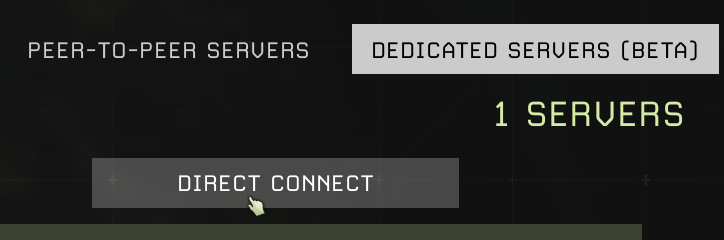
- Enter the IP address and port of your server
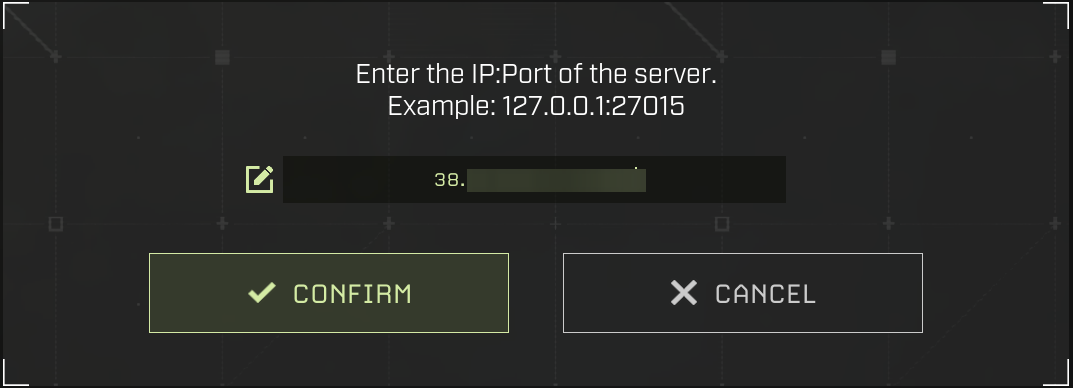
- Double click on the option that comes up

Self-Hosting/Other Providers
- Open the startup file for your server
- Take note of what
-SteamServerName=is set to as this is what your server will appear in the Server Browser - Open Icarus
- Select your Character and then click
Join
- Change the selection to
Dedicated Servers
- Search for your server’s name. The server browser may take a moment to find it.
- Double-click on it to connect to your server
Direct Connection
Sometimes, the Icarus server browser may go down, or you may be unable to find your server. If this happens, you can always directly connect to your server.
- Open your server’s management panel and find your server’s IP address.
- If you’re self-hosting, get the IP address of your server by going to a website such as https://www.whatismyip.com/
- Next, take note of the primary port your server uses to connect to your server. We’ll need to combine these two to connect to our server. e.g
38.123.456.32:32600 - Open Icarus
- Select your Character and then click
Join
- Change the selection to
Dedicated Servers
- Change your selection to
Direct Connect
- Enter the IP address and port of your server
- Double click on the option that comes up
Closing
Now you can start playing on your Icarus server!
Get your own super-powered and affordable Icarus server today!