

How do I connect to my 7 Days to Die server?
Quick Links
- Using AleForge’s Blacksmith’s Portal
- Self-Hosting/Other Providers
A quick paragraph describing what we are going to accomplish with this article.
Connecting to your server
Using Blacksmith’s Portal
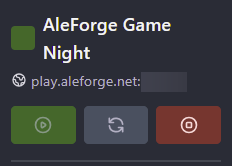
- Open the Blacksmith’s Portal
- Take note of the IP/Hostname and port of your server
- Open 7 Days to Die
- Click
Join Game - Select
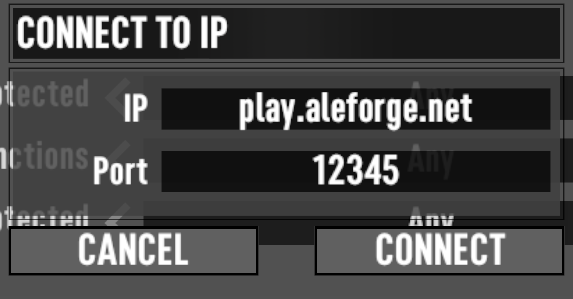
Connect To IP - Enter the IP and port of your server
Self-Hosting/Other Providers
- Find the IP address of your server. If you’re self hosting you can use a website such as https://www.whatismyip.com/ to discover your IP.
- For the port, you’ll want to use the one you configured to use on your server.
- Open 7 Days to Die
- Click
Join Game - Select
Connect To IP - Enter the IP and port of your server
Closing
Now you know how to connect to your 7 Days to Die server and start playing!
Get your own super powered and affordable 7 Days to Die server today!