

How do I SSH/SFTP into my Wordpress site?
This guide will walk you through creating SSH and SFTP credentials for your Wordpress site so that you can remote in and look at the files on your site.
How to SSSFTP into your Wordpress Site
Creating an SSH/SFTP Account
- Open the Wordpress Panel
- Select
My Hosting - Go to
SSH/SFTP Accounts - Click
Add Accounts

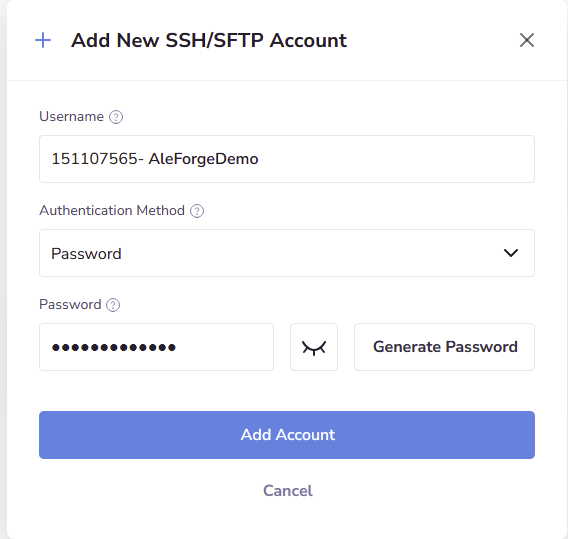
- Fill out the form with a username and password or SSH key and select
Add Account
- Once created, click
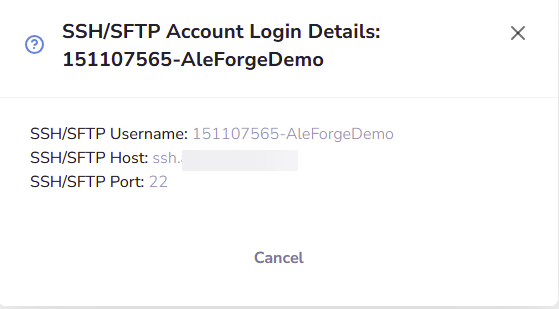
Show Access Details

- You will be provided with a window showing you the address of your server and the port to use in the SFTP client of your choice
Closing
Now you can directly access server files via SFTP or SSH.
Get your own super powered affordable Wordpress hosting today!