

How to generate an Auth Token for your Path of Titans server
Path of Titans requires an authorization token for your server to start correctly. This authorization token must be generated by a person that owns Path of Titans.
Generating the token
- Go to https://alderongames.com/oauth/hosting-token
- Sign in to your account
- Select
Generate New Token
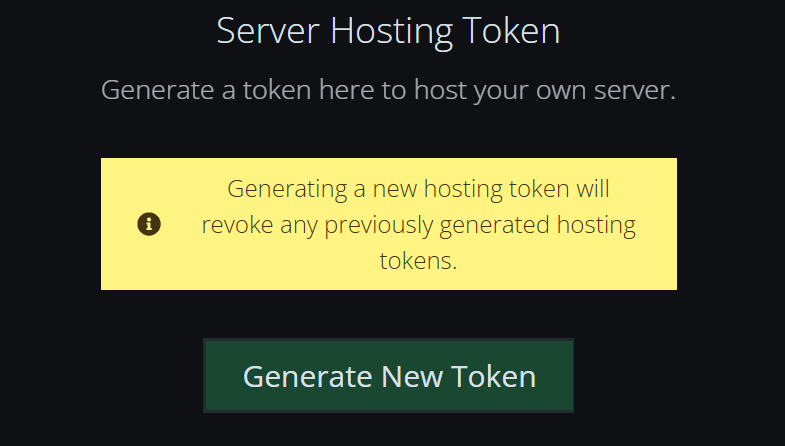
- Copy the generated token
Applying the auth token
Now that you have your token generated, it’s time to apply it to your server.
- Go to the AleForge Panel
- Open
Startup - Paste your auth token in the
Auth Tokenfield
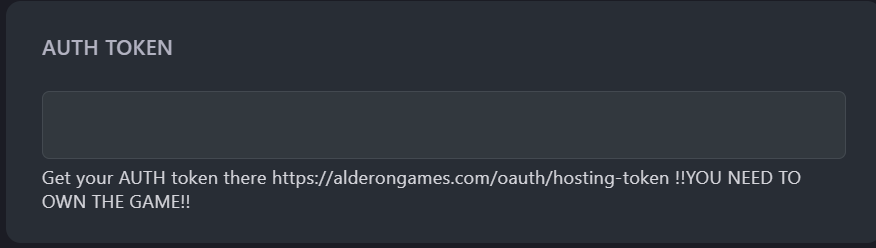
- Restart your server and it will apply your new token