

How to make an offline Minecraft Server
If you are running an older version of Minecraft, you may need to force your server to be an “offline” server. This means that your server does not communicate with Mojang’s authentication servers.
Please understand that making your server offline allows people with hacked clients and banned accounts to connect to your server
- Go to the AleForge Panel
- Head to
Server Properties - Look for
ONLINE-MODEand set it to false
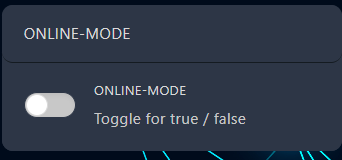
- Restart your server and it will start in offline mode