

How to download your Minecraft Server world
You can download your Minecraft server’s world for a local backup, or if you want to play with it in singleplayer.
Downloading with SFTP
You can download your world file with SFTP directly to your server without any of the fuss of having to archive it.
- Connect to your server with SFTP
- Locate the name of your world. By default it is named
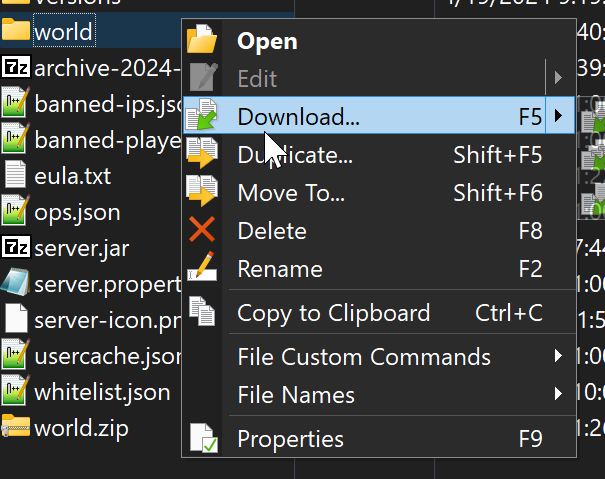
worldbut may be different if you changed the name of your world. - Move your world to your computer. In WinSCP you can do this by right clicking the file and selecting download
Downloading from the Panel
- Go to the AleForge Panel
- Locate the name of your world. By default it is named
worldbut may be different if you changed the name of your world. - Right click the world folder
- Click the button labeled
Archive
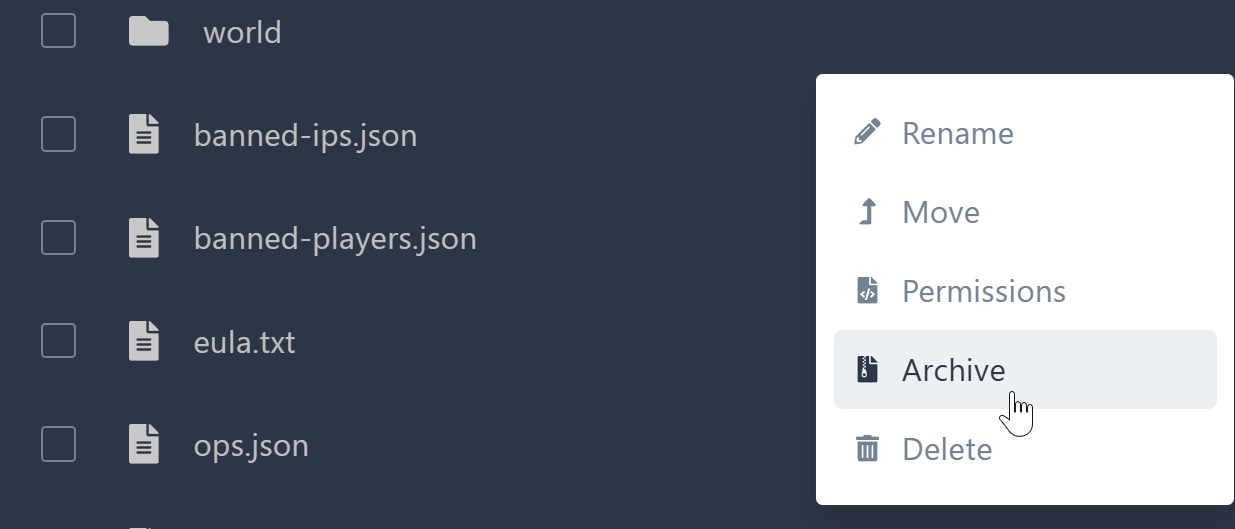
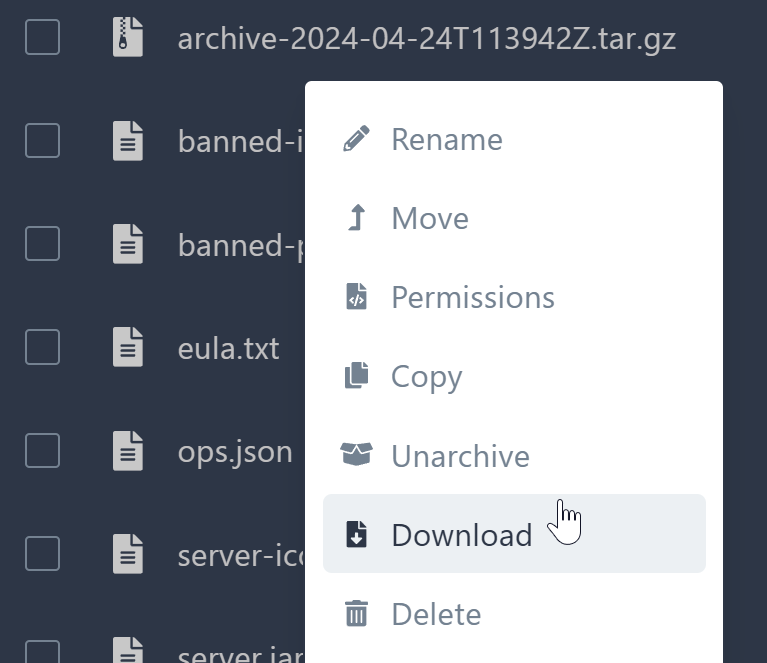
- This will create a
.tar.gzfile. Right click this file and selectDownload
You can open .tar.gz files with a program like
7-zip.