How do I Setup an Automated Backup of My Server?
The Blacksmith’s Portal has a powerful backup system that can be used to backup important server files. It’s quick and easy to setup and will make sure you always have a version of your server you can revert back to if needed.
Using a Schedule Template
- Open the Blacksmith’s Portal
- Go to
Schedules - Click the
Templatesbutton
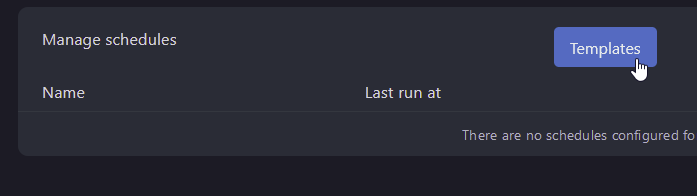
- Click
Createnext to theAutomatic Backupstemplate

Manually creating a schedule
Creating an automated backup for your server is easy. First, we’ll need to create a schedule.
Creating A Schedule
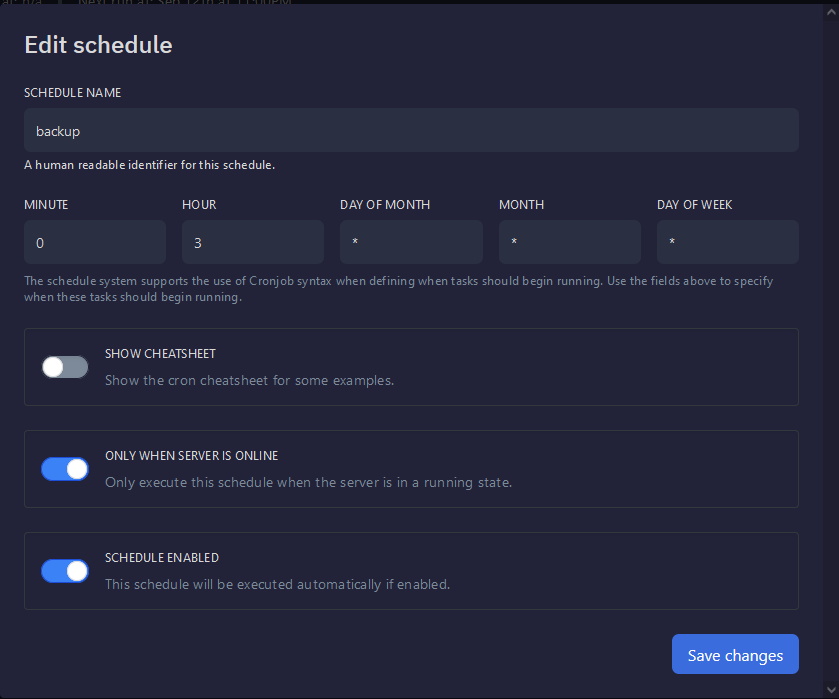
Go to Schedules on the panel. Click Create schedule .
Schedules use the Cronjob syntax. This is for determining when your backup will happen in UTC. Here is an example schedule that will run once a day.
You can find more information on the Cronjob Syntax here
Creating the Backup Task
Once your Schedule is created, click New Task. On the drop-down, select
Create backup
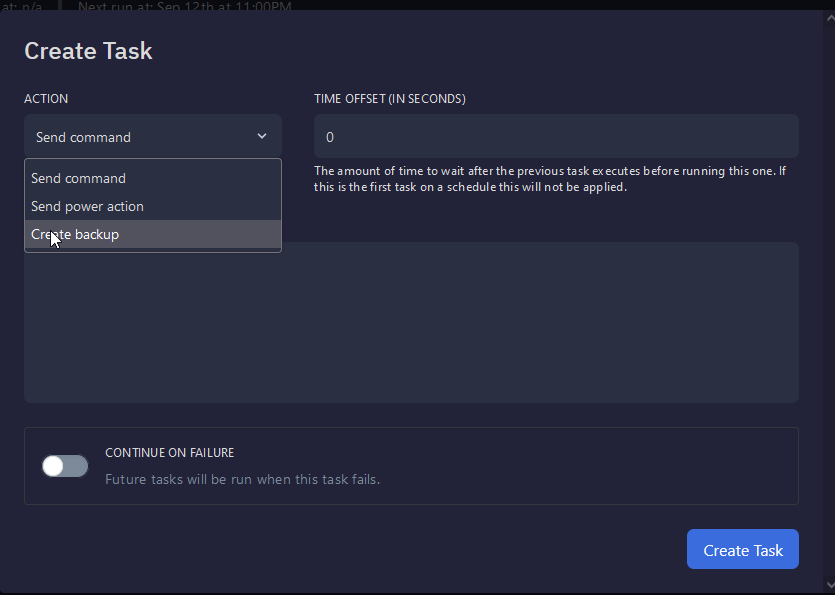
Now click Create Task . Your server will now automatically create backups.
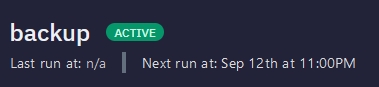
You can check when your server will backup at the top of the page.