

How do I Edit My Servers Config Files
AleForge’s Blacksmith Portal offers a robust config file editor to make editing your game’s config files easier than ever.
- Go to the AleForge Panel
- Click Files under the Management category
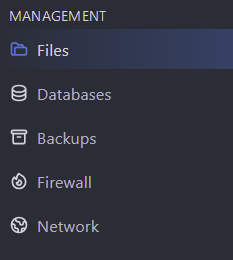
- Select Config Files

- Choose the config file you want to edit
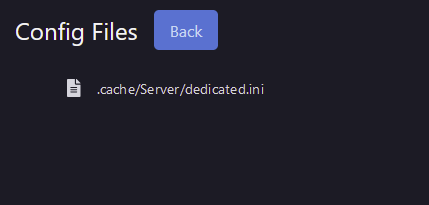
- Update any values you want to change

- Click Save at the bottom of the page
If you need to edit the file directly or edit a json config file with nested objects, click View File at the top of the screen