

How do I change the tags on my FiveM server?
Changing the tags on your FiveM server is easy! This guide will walk you through how you can do that.
- Go to the AleForge Panel
- Stop your server
- Open
Files - Open
server.cfg - Edit the
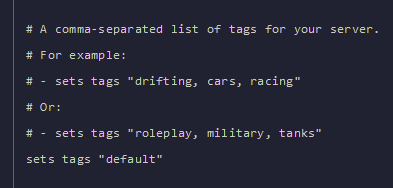
sets tags "default"line to add the tags you want for your server
- Start your server and your new tags will appear