

How to add a resource to your FiveM server
Resources are a great way of augmenting your FiveM server. We’ll walk you through uploading them to your server in this guide. You can download resources from your FiveM server from the FiveM website.
For this guide, we’ll be using the resource TakeHostage as an example
Uploading the resource to your server
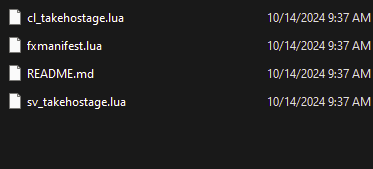
- Download a resource file. Once downloaded find the folder with
.luafiles in it
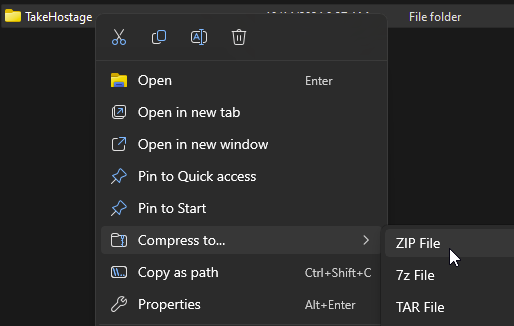
- Compress the folder
- Go to the AleForge Panel
- Open the
Filestab - Go to
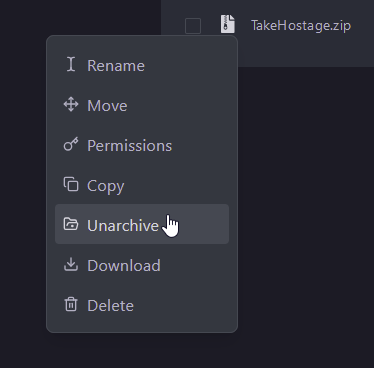
resourcesand upload your zipped up folder here - Right click the uploaded folder and select
Unarchive
Enabling your new Resource
FiveM requires you to enable your resource in the server.cfg file. Here’s
how you can do that.
- Go to the AleForge Panel
- Go to Files and open
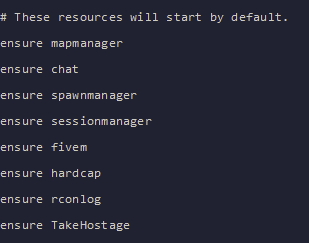
server.cfg - Add the line
ensure TakeHostageunder the rest of the lines ensuring resources
- Start your server and your server will start with the added resource