

How to Change your Galaxy Name
You may want to start your Avorion galaxy over. Doing that with AleForge is easy.
- Go to the AleForge Panel
- Head to
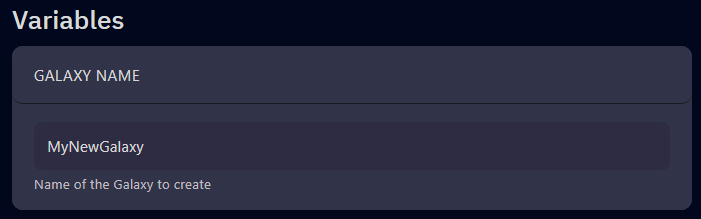
Startupand look for theGalaxy Namevariable
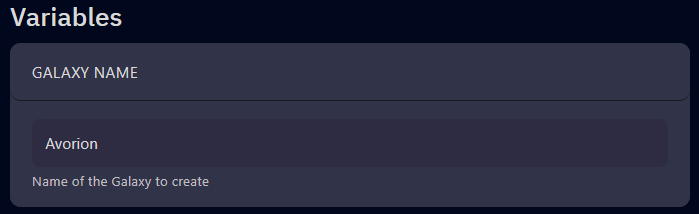
- Change this to whatever you wish
- Go to
Settings - Click
Reinstall Server. This is a soft reinstall and is required to create a directory structure for your galaxy. - Start your server with your new galaxy.
If you ever want to revert to your old galaxy, you can change back by simply
changing the Galaxy Name variable back to the original name and restarting
your server.