

How to Fix Server Lag by Adjusting View Distance and SImulation Distance
Simulation and View Distance are configuration options for Minecraft servers located in the Server properties.
View Distance: This option will adjust the number of chunks that are visible to all players in all directions around them
Simulation Distance: This option sets the number of chunks that will be processed around a player. This includes loading entities, automation running, and more.
Adjusting These Values
You can adjust these values from the Server Properties page of the panel.
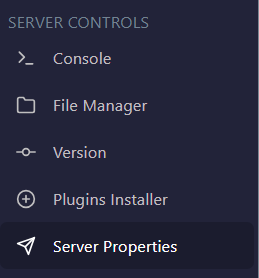
Locate View Distance or Simulaton Distance and change the number from 3 to 32. By default, these values are set to 10. If you are experiencing lag, AleForge recommends you choose a lower value than your current setting. Make sure to restart the server for the changes to take effect.
If you need further help, please do not hesitate to contact the AleForge support team