

How to reset your Valheim server world
- Go to the AleForge Panel
- Stop your server
- Go to
Startup - Change
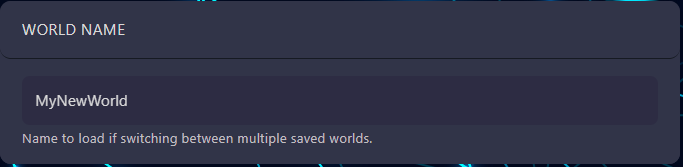
World Nameto something different
- Start your server
This will generate a new world for your server. If you ever want to revert
back to the old world, simply put that worlds name back under World Name and
it will load.