How to upload your Project Zomboid save game
You can upload your Project Zomboid save to your server in case you are restoring from backup, or want to use an older version of your world. [We highly recommend using SFTP for this process](https://help.aleforge.net/article/172-how-do-i-connect-to-my-server- using-sftp) due to the nature of Project Zomboid’s files.
- Connect to your server using SFTP
- Navigate to
.cacheand delete theSavesfolder
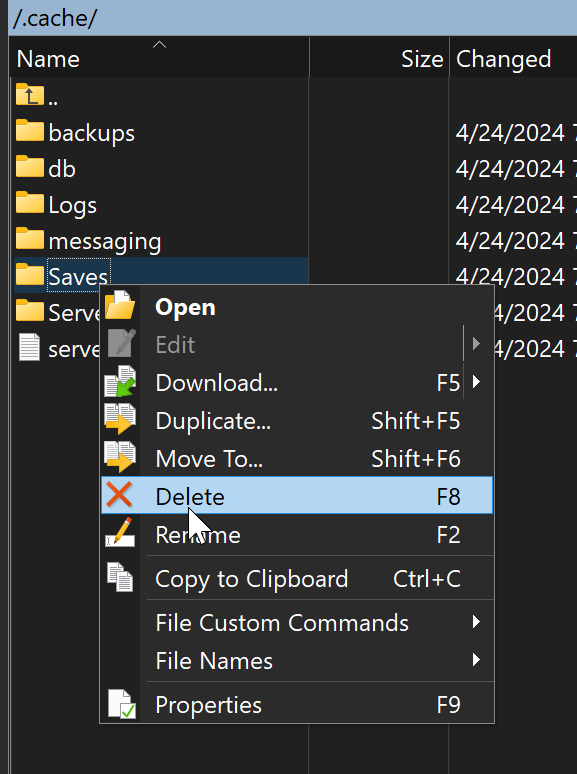
- Upload your own
Savesfolder here - If uploading a config file, you can do the same with the
Serverfolder
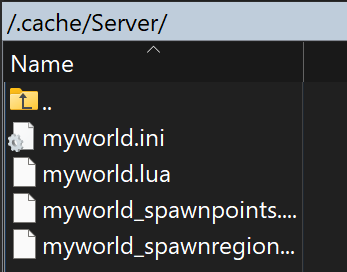
- Go to
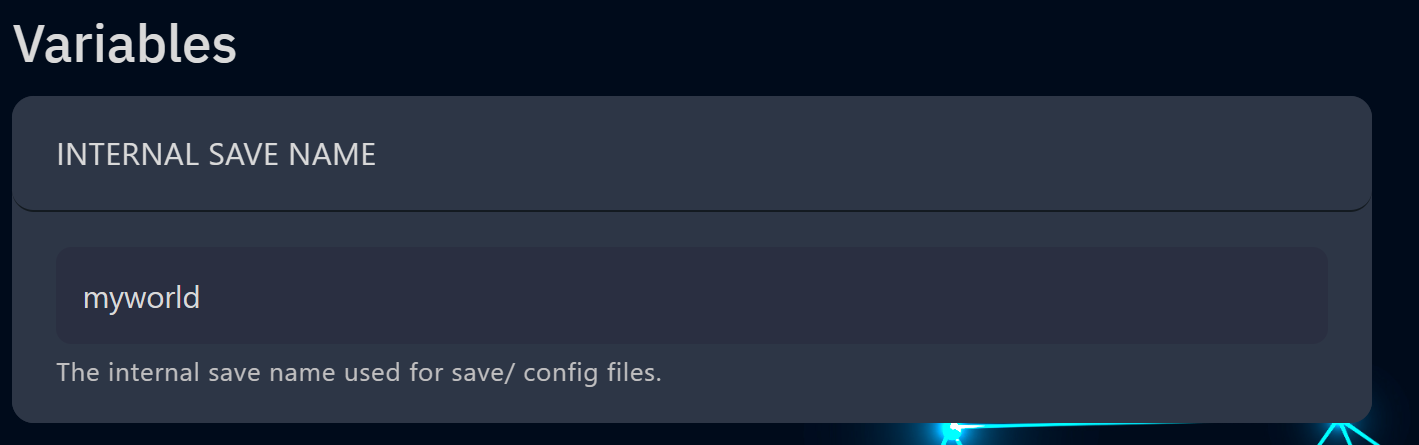
Startupand changeInternal Save Nameto match the name next to your config file