How to change the size of your ECO server
You can configure your ECO server to generate a larger or smaller world. Here’s how you can do that.
- Go to the AleForge Panel
- Go to the
File Manager - Open
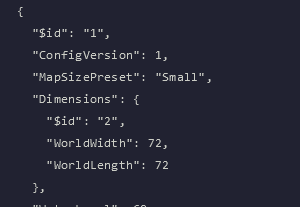
Config/WorldGenerator.eco - Change
WorldLengthandWorldWidthto your desired values. These must be divisible by 4.