

Getting started with your Mindustry server
Configuring your server
Now that you have a Mindustry server, you can configure it to play exactly how you want. Most of the configuration of the server can be easily done in the Startup section of the AleForge Panel
- Go to the AleForge Panel
- Open
Startupand configure the settings of your server how you want
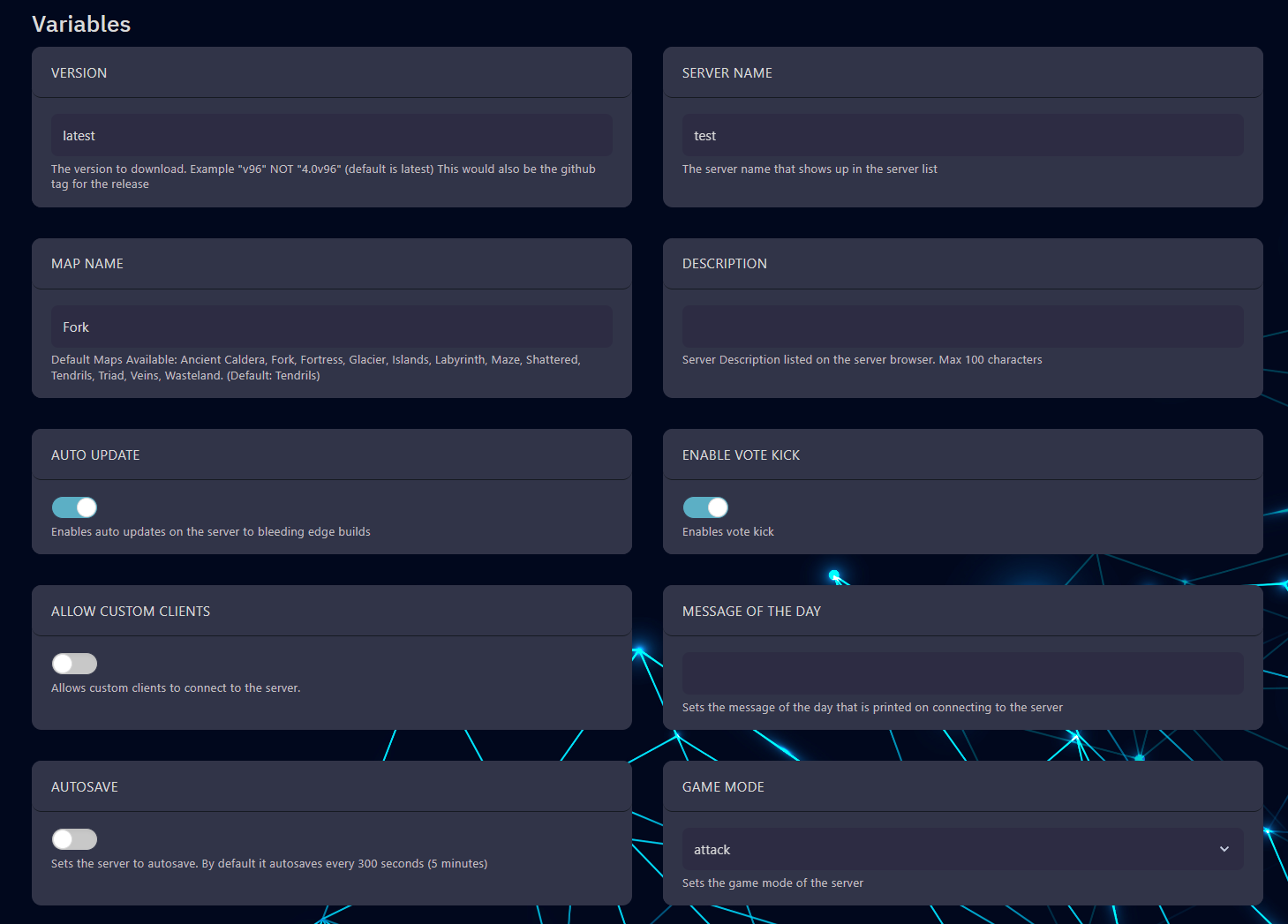
- If you are looking for an option and it is not in Startup, you can configure it from the server console. You can check out our full list of console commands for Mindustry here.
- If you are interested in installing mods to your server, you can check out our handy guide on how to do that here.
- Once you are all configured, press start on the
Consolepage - Copy the IP address from the
Consolepage and connect to it from in game
