

How to add a Steam API key to your FiveM server
A Steam API key is required to properly authenticate users connecting to your server. Here is how you can generate one and use it to connect to your server.
Generating Your Key
- Go to https://steamcommunity.com/dev/apikey
- Login with your Steam account
- Enter a domain name for your server

- Copy your generated key
Applying Your Key
- Go to the AleForge Panel
- Go to
Startup - Paste the key into the variable
Steam Web API Key
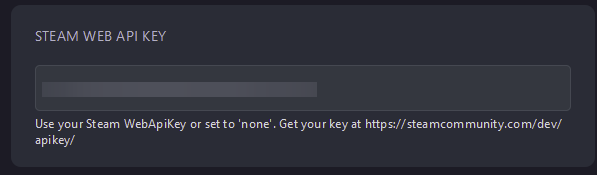
Restart your server and it will now authenticate using that key.