

How do I update my Project Zomboid server to b42?
Project Zomboid b42 Multiplayer Unstable
The new beta update allows for multiplayer Project Zomboid servers. There’s never been a better time to host your own server to play with the new changes.
Setting the Server to Beta
To use the beta do the following:
- Open the Blacksmith’s Portal
- Stop the server
- Create a backup from the
Backupstab - Go to
Startup - Set Steam Beta Branch to “unstable”
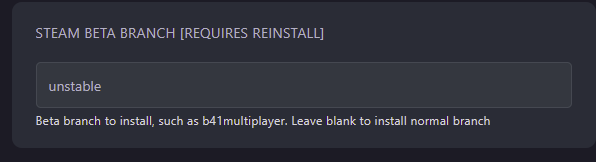
- Go to
Settingsand clickReinstall Server - Start your server once it has finished installing