How do I change my Necesse world settings?
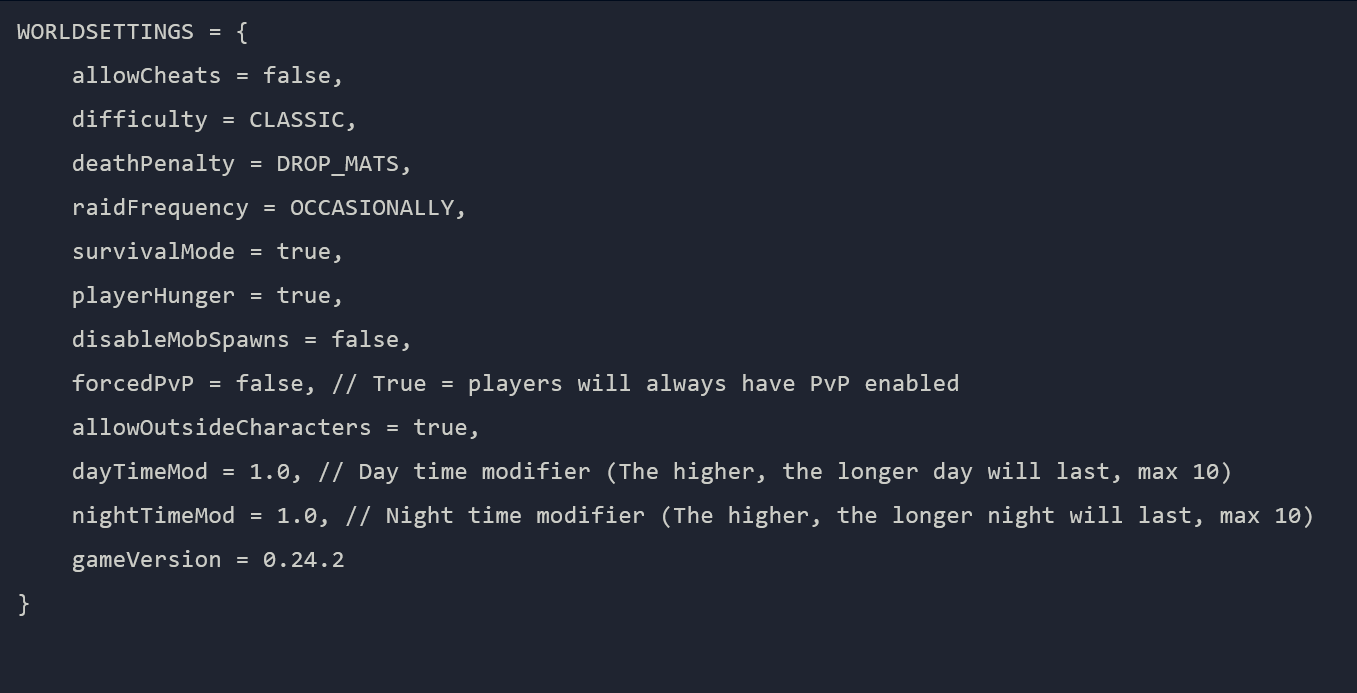
To change the settings of your Necesse world, go to the File Manager and go to
saves/worldname/worldSettings.cfg
If your world ends in .zip you will have to download the zip file,
unarchive it, and reupload it to the server to access the worldSettings.cfg
file.
Here you can change multiple different values that affect how your world plays.