

How do I backup my Wordpress site?
AleForge automatically makes regular backups of directories on your Wordpress Site, and databases. However, it is useful to make a manual backup in case you will be modifying your website and want to be able to revert it to the previous state quickly and effectively. Here’s how you can make a manual backup.
Backing up your Wordpress Sitew
- Open the Wordpress Panel
- Select your Instance
- Click on
Backups

- Click
+ Add New

- From the form that appears, select the type of backup you would like to make, and optionally give a note as to what that backup is for
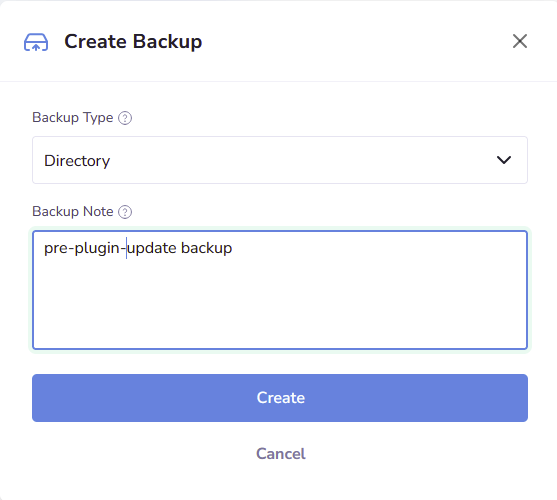
- Click
Create
Your Wordpress site will begin backing up.
Closing
Now you know how to create a backup for your Wordpress site.
Get your own super powered affordable Wordpress hosting today!