

How to add Minecraft Plugins to your server
We have designed the AleForge Panel to be as easy as possible for you to use to configure your servers. Our Plugin Manager makes installing plugins quick and easy. Here’s how you can use it.
- Go to the AleForge Panel
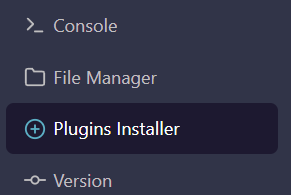
- Select
Plugin Manager
- Filter out the version of Minecraft you want to install for
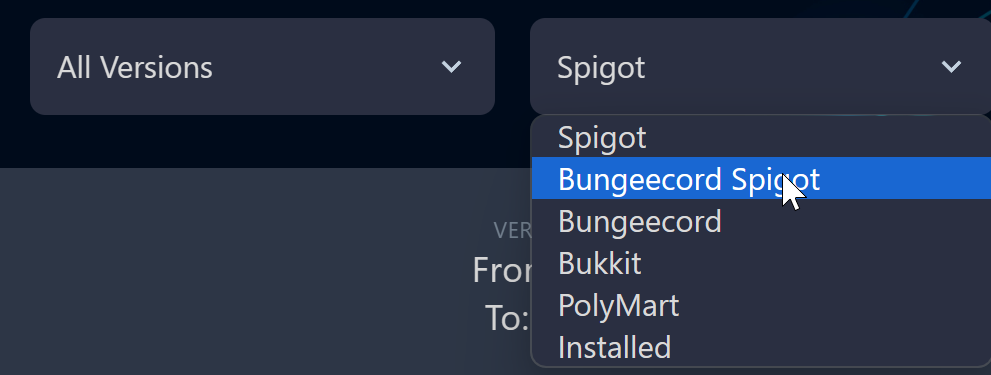
- Search for plugins using the search bar.

- Click the
Installbutton next to the plugin and it will automatically install to your server.

If you don’t see the Plugins Installer [make sure you change your Minecraft
version to one that supports
plugins](https://help.aleforge.net/article/579-how-do-i-change-my-minecraft-
server-version)