

How to setup BepinEX with V Rising
BepinEX is a modding framework for many games that use the Unity engine. You can easily install it on your server by using Game Swap.
- Go to the AleForge Panel
- Ensure your server is stopped
- Make a backup from the
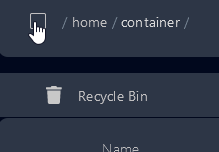
Backupssection of the Panel - Go to File Manager and clear out all of the files on your server by selecting the top box
- Go to
Game Swap - Select
V Rising BepinEX - Toggle
Reinstall Server
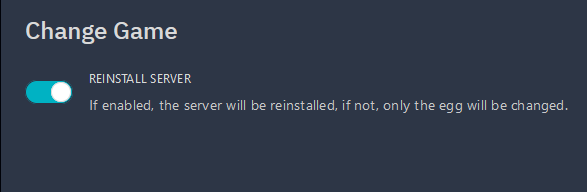
Your server will now begin installing BepinEX. Once it is done you can start to add mods.