

How to install an older version of Minecraft on your client
Older versions of Minecraft are fun to go back to just to see how much the game has changed. You can still play them [and even set up a server for them](https://help.aleforge.net/article/613-how-to-install-an-older-version- of-minecraft-on-your-server)! Here’s how you can make your Minecraft client launch with an older version of Minecraft.
- Open the
Minecraft Launcher - Go to
Settings - Check `Show historical versions of Minecraft: Java Edition in the Launcher
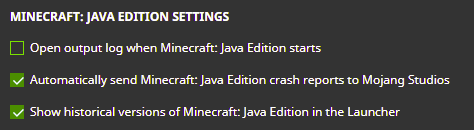
- Click
Installations
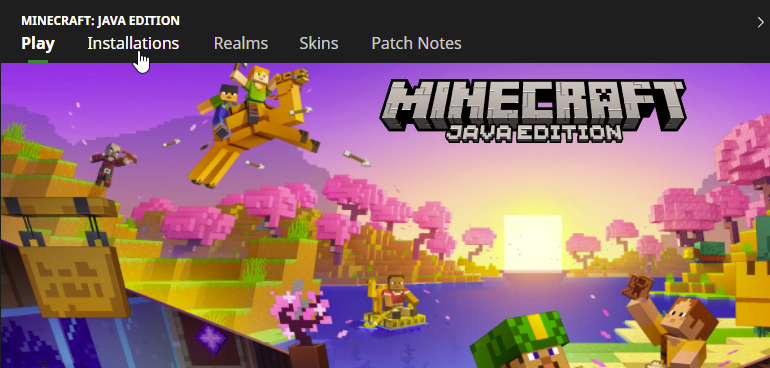
- Click
New Installationand select the version of Minecraft you wish to install
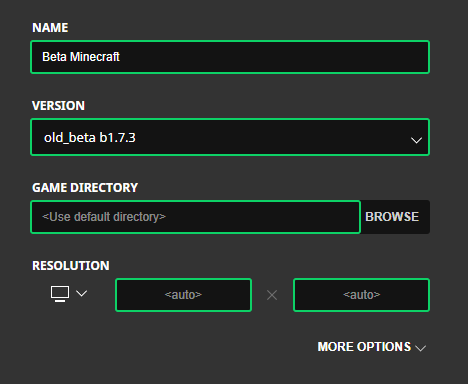
- Click
Create - You can now launch the older version of your Minecraft!