

How do I change the server name of my Icarus server?
Quick Links
- Using AleForge’s Blacksmith’s Portal
- Self-Hosting/Other Providers
You can change how your Icarus server appears in the server browser. This guide will explain how to do that.
Changing your Server Name
Using Blacksmith’s Portal
- Open the Blacksmith’s Portal
- Go to
Startup - Change the
Server Namevariable to your desired value
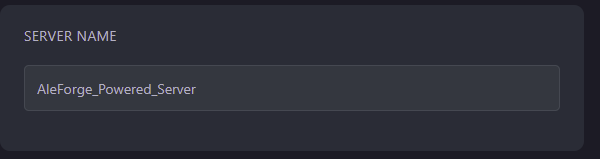
- Restart your server
Self-Hosting/Other Providers
- Open the directory where your server is installed.
- Locate the startup script for your server and open it.
- Change
-SteamServerName=to the name you would like your server to have. e.g-SteamServerName=MyIcarusServer - Restart your server
Closing
Now, your Icarus server’s name in the server browser will reflect what you have changed it to.
Get your own super-powered and affordable Icarus server today!