

Getting started with your Minecraft server
Minecraft has numerous plugins and mods that allow you to configure the server to run and play in numerous different exciting and interesting ways. When run on the AleForge Panel, you have an easy and powerful management solution. Here is how we recommend you get started.
Configuring Your Server
- Set your intended version and flavor of Minecraft in
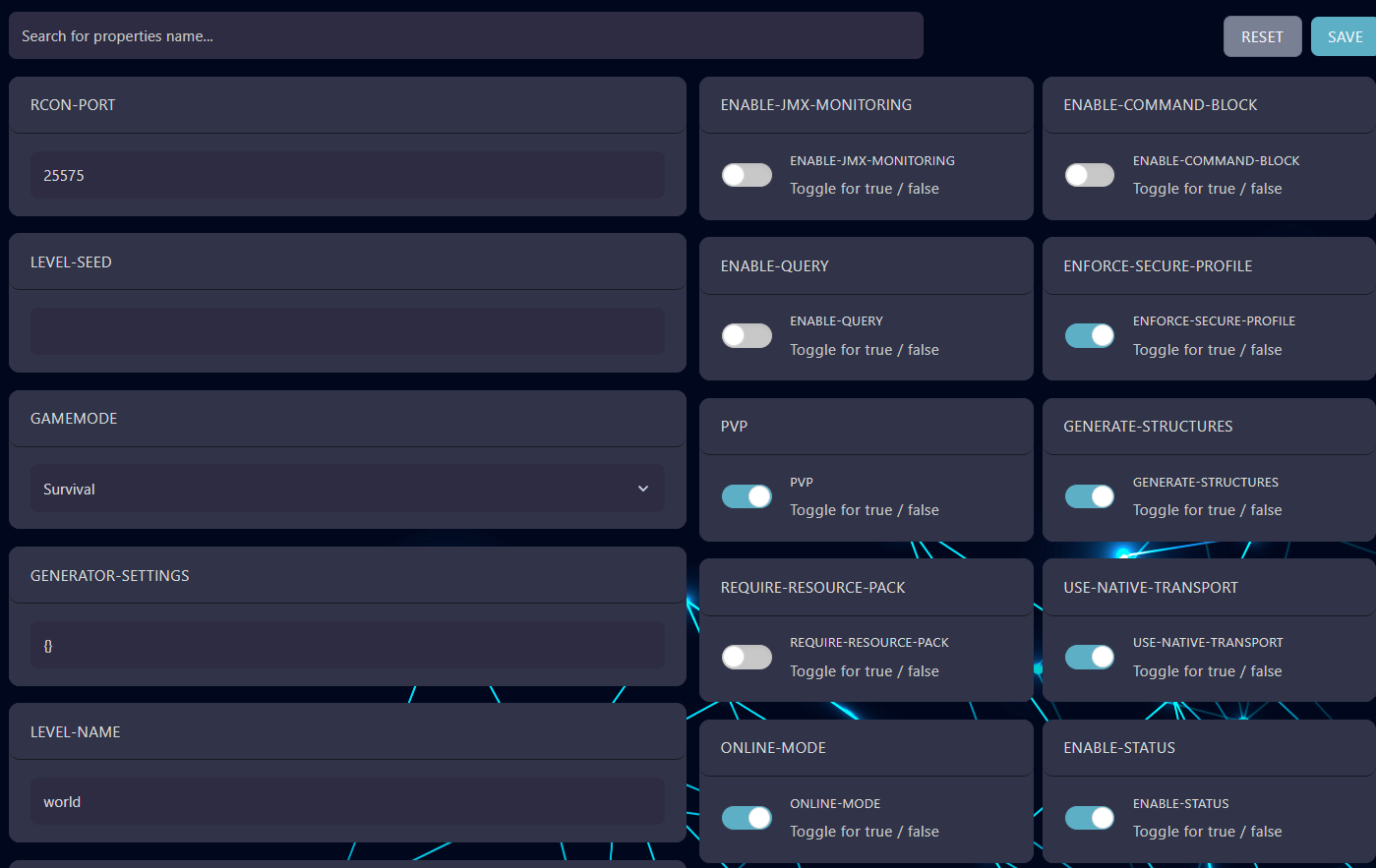
Versions(Spigot, Paper, Forge, Vanilla, etc). If you just want to play regular Minecraft, ignore this step. - Configure your server settings in
Server PropertiesHere you can set things like the MOTD, World Name, Seed, etc
- Set up regular backups
- Optionally enable a whitelist for your server
- Install any plugins/mods you are interested in running. If you want to play a modpack, you can download any public ones hosted on CurseForge from the
Modpackssection of the panel. - If you are going to have a lot of players playing at the same time, consider pre-generating your world to improve performance
- Once you are all configured, press start on the
Consolepage - Copy the IP address from the
Consolepage and connect to it from in game
