

How do I upload a world to my Necesse Server?
To upload a world to your Necesse server, you will have to locate your world file. On Windows it is located by default %APPDATA%\Necesse\saves
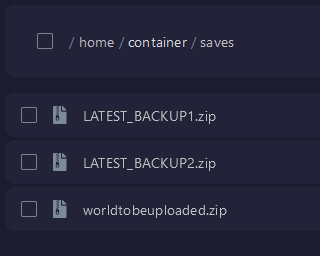
Find the zip file of your world. Go to the AleForge
Panel and upload it to the saves folder on
your server.
Telling Your Server To Load Your World
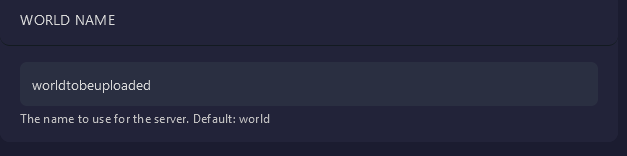
Now go to Startup and set the world name variable to the same name as the
world file you uploaded.
Restart your server and your server will load your world.