

How do I create an image from a volume?
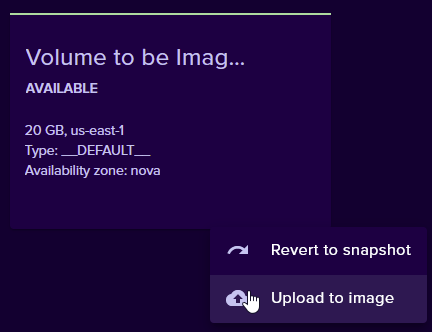
To create an image from a volume, first ensure you have a volume with the data you want as part of the image. Next, go to Cloud -> Volumes. Click the three dots and click “Upload to image”.
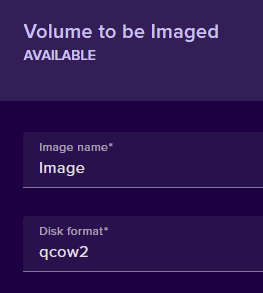
Give your image a name and select the disk format.
Click upload. Once your image has been uploaded, you can select it and create Qubes with it from the Client Images tab.
