

How to enable the minimap on your Project Zomboid server
You can enable a minimap to aid in navigation of your Project Zomboid map. Here’s how you can do that.
- Go to the AleForge Panel
- Stop your server
- Open
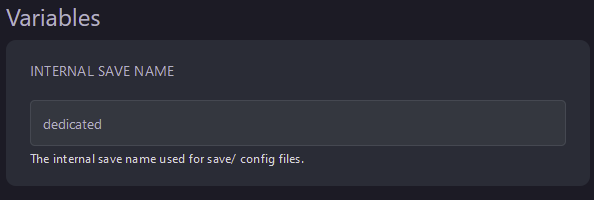
Startupand note downInternal Save Nameas you’ll need this later
- Go to Files
- Open
.cache/Server/ - Open
InternalSaveName_SandBoxVars.lua
 By default, this file is called
dedicated_SandboxVars.lua
By default, this file is called
dedicated_SandboxVars.lua
- Use CTRL+F to locate
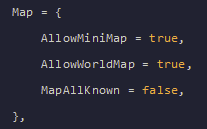
AllowMiniMapon line 446 and change it totrue
- Click
Save Contentand start your server