How Do I Split My Server
Server Splitting enables a customer to distribute their purchased resources across multiple servers and assign them to the same or different games.
How To Split My Server
- Go to the AleForge Panel and select the server you would like to split
- Under Configuration select
Server Splitter
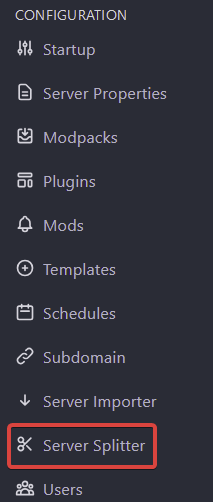
- Click the + to start a new split
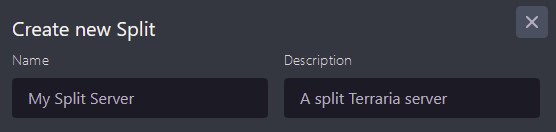
- Input a name and description
- Select the desired resource amount for CPU, Memory, and Disk in GiB. Note that 100% CPU is one CPU core.
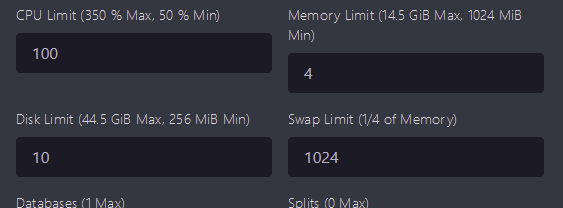
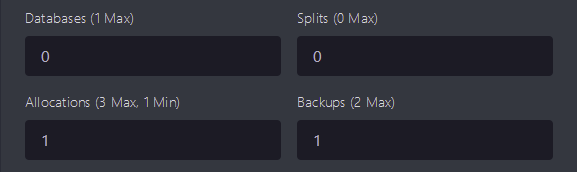
- Add any Databases, Backups, or Allocations you want to be assigned to the split server
- Choose the game to install on the split server
- Click Split Server
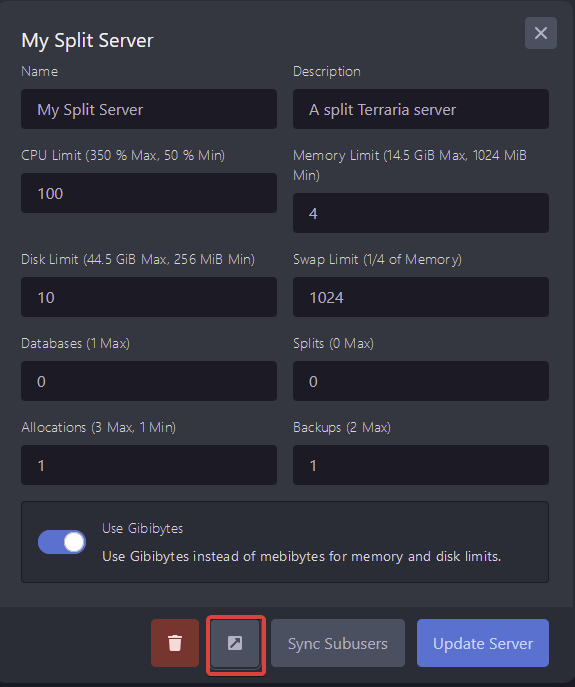
- Open your new split server and select the pop out button to manage your split server