

How to access the Killing Floor 2 Web Admin page
Killing Floor 2 has an extensive Web Admin feature that is allows you or other users to modify the server by changing the maps, banning or kicking players, and much more. Here is how you can access it.
- Go to the AleForge Panel
- Go to
Startupand make sureWeb Adminis enabled. If it is not enabled you will have to enable it and restart your server. - Take note of the
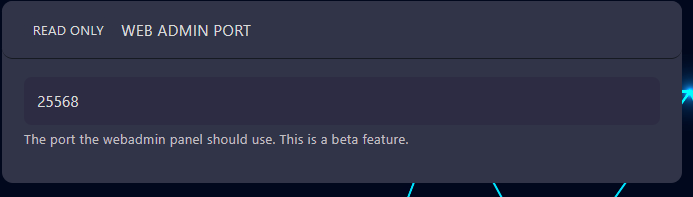
Web Admin Portvariable and theAdmin Passwordvariable here as you will need these to connect
- Go to
Networkand find the IP address of your server.

- Copy the IP address and enter it into a web browser followed by your
Web Admin Port, e.g.67.222.147.27:25568
Now you will be presented with the Web Admin page where you can login to your
server with default username of Admin and the Admin Password you set in
Startup