

How to Connect to your Team Fortress 2 Server
How to Connect to Your Team Fortress 2 Server
- Login to the AleForge control panel
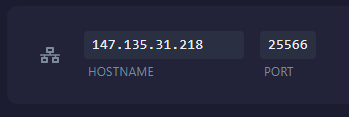
- Copy the
IP and Portfrom the Network tab of the Panel
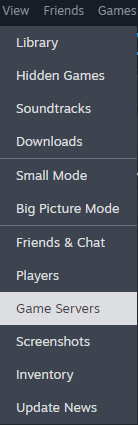
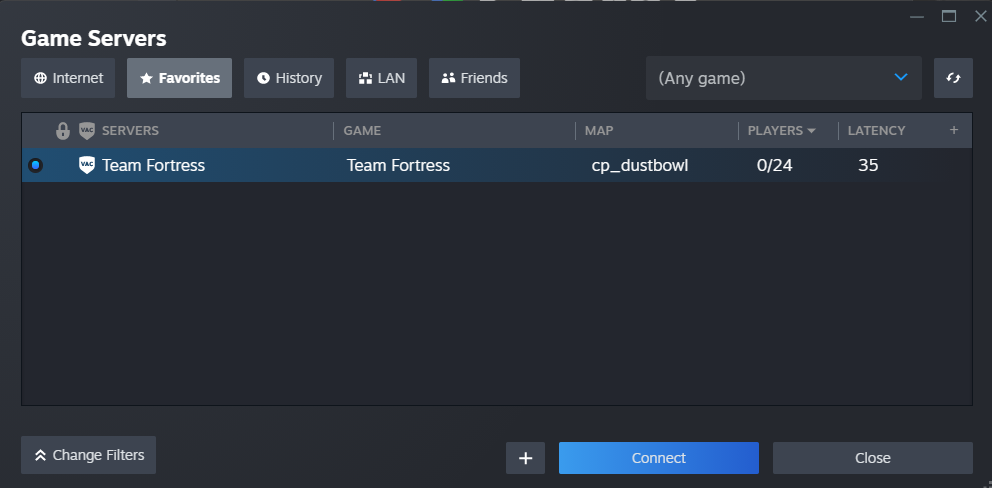
- In the Steam client, open the
View -> Game Servers
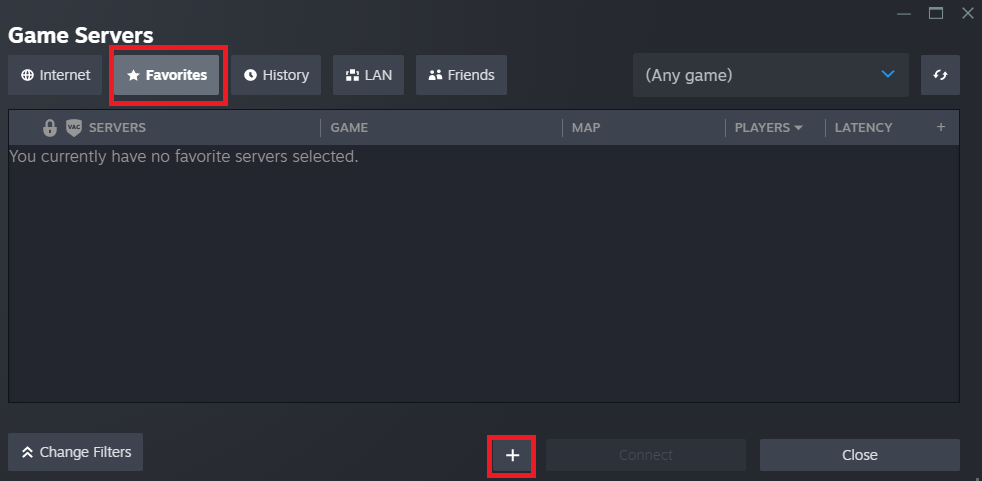
- Open the Favorites tab and click the + (plus) icon
- Enter the server IP Address/Hostname and the port
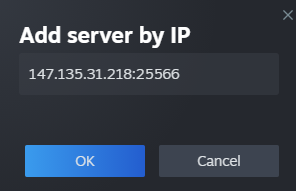
- Click OK to add the server
- Once added your server will show up and you can click the
Connectbutton
Get Your Own Server
Do you want your own Team Fortress 2 server? Check out AleForge’s performance- optimized Team Fortress 2 hosting to make lag an enemy of your past.