How to upload your world to your Foundry server
Finding your world
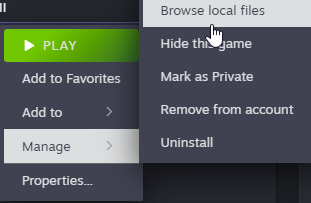
- Find your world. You can find where your Foundry data is by right clicking on it in Steam and selecting
Manage -> Browse Local Files
- Take note of your world name as you will need this later.
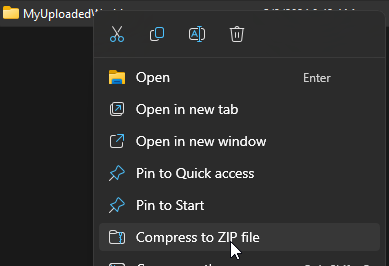
- Right click on your world name and select
Compress to ZIP File
- Name your
.zipfilesave.zip
Uploading your world
Now that we’ve found the world we need to upload, it’s time to upload it to the server.
- Go to the AleForge Panel
- Stop your server
- Go to
Files - Upload
save.zipto thesaves - Right click on it and select
Unarchive - Go to
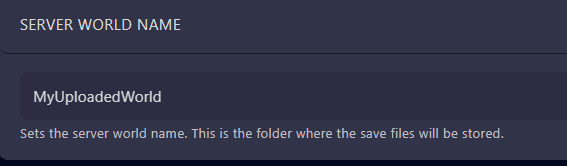
Startupand changeServer World Nameto the name of your world