

How to monitor Project Zomboid server performance
Monitoring your Project Zomboid server’s performance can be an important process for seeing the cause of lag on your server, especially if you are running with a large modpack.
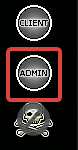
- Login as admin on your server
- Open the Admin Panel and select
Show Statistics
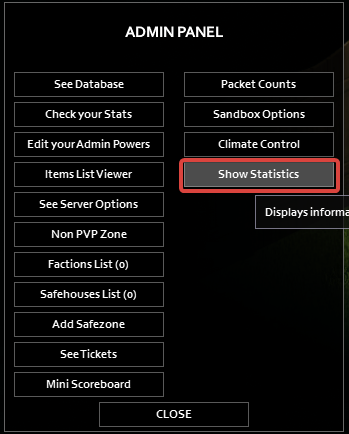
- Here you can see the resources used by your server
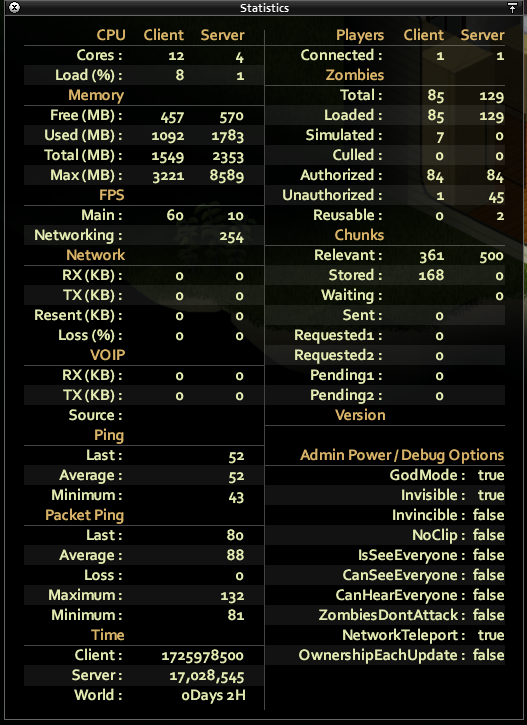
You will want to pay attention to the Server column under Memory . If your
server is running into issues where players consistently cannot join, check to
make sure that your server still has free RAM to accommodate them. Remember
that the rule of thumb for Project Zomboid is 0.5GB of RAM per player.